
Set up Envolve/Ambetter Connect: Step-by-Step
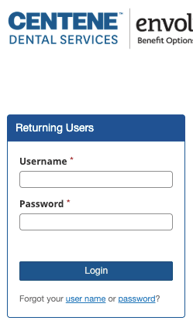
- Sign into the Envolve/Ambetter portal.
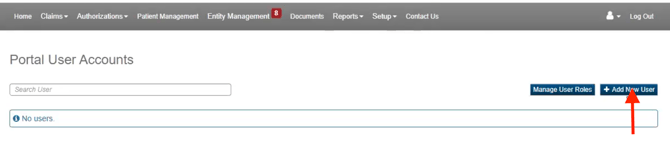
- Once signed in, navigate to 'Setup' and select 'Portal User Accounts.'

- Click '+Add New User.'
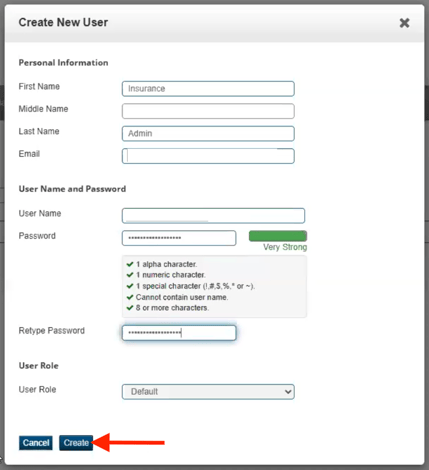
- Fill out the required information with the below and click 'Create'
- First Name: Insurance
- Last Name: Admin
- Email: Zuub generated email address
- User Name:
- Password:
- Retype Password:
- User Role: Default
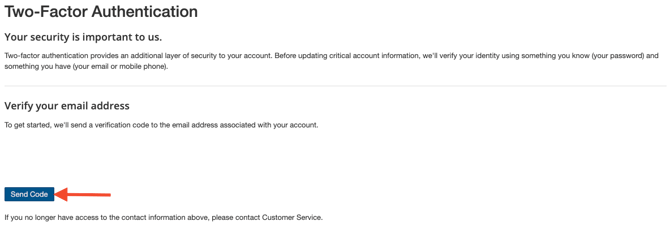
- Sign into the Envolve/Ambetter portal with the credentials just created.
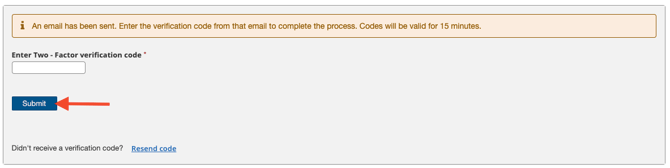
- Click 'Send Code.'
- Navigate to the email address and retrieve the code.

- Enter the code, and click 'Submit.'
Account creation is complete!
This resource was updated 12/10/2025.