
Set up United Concordia: Step-by-Step
- Navigate to the United Concordia portal and select 'Log In / Create an Account'

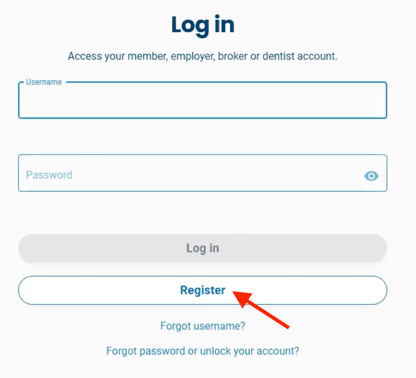
- Select 'Register.'
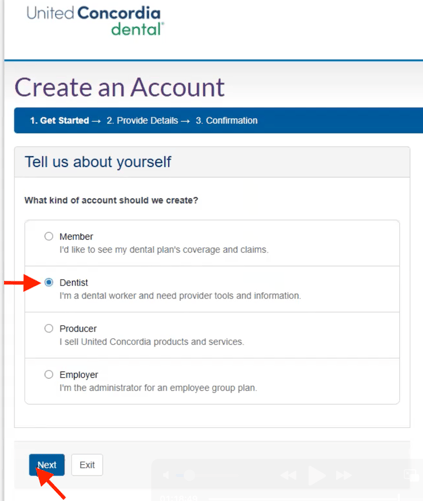
- Select 'Dentist' and 'Next.'
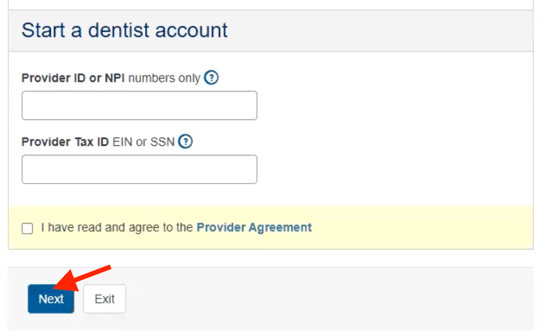
- Complete the below information and select 'Next':
- Provider ID or NPI
- Tax ID
- Acknowledge the provider agreement
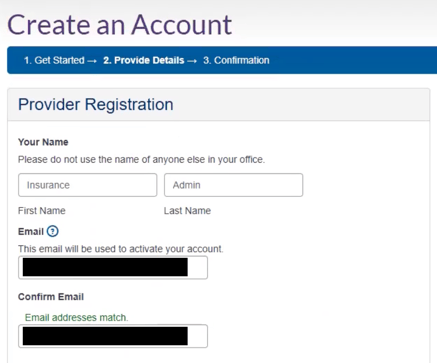
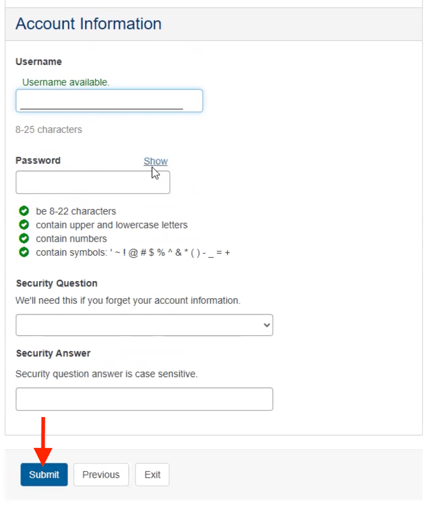
- Fill out the required fields with the below information and select 'Submit.'
- First Name: Insurance
- Last Name: Admin
- Email: Zuub generated email address
- Confirm Email: Same as above
- Username:
- Password:
- Security Question:
- Security Answer:
- Navigate to the email address inbox and click the activation link found within the registration email.

Account creation is complete!
This resource was updated 11/12/2025.