OnQuick Links:
Setup your Zuub Customer Ticket Portal Access: Video Tutorial
Setup your Zuub Customer Ticket Portal Access: Step-by-Step
Setup your Zuub Customer Ticket Portal Access: Video Tutorial
Here is a video tutorial on how to setup your Zuub Customer Ticket Portal Access:
-- Coming Soon --
Setup your Zuub Customer Ticket Portal Access: Step-by-Step
Please follow these steps to setup your Zuub Customer Ticket Portal Access:
- Reach out to your Customer Success Manager (CSM) via chat or email and request access to the Customer Ticket Portal. They will update you status on Zuub's end which will send you an invite to setup your Customer Ticket Portal access.
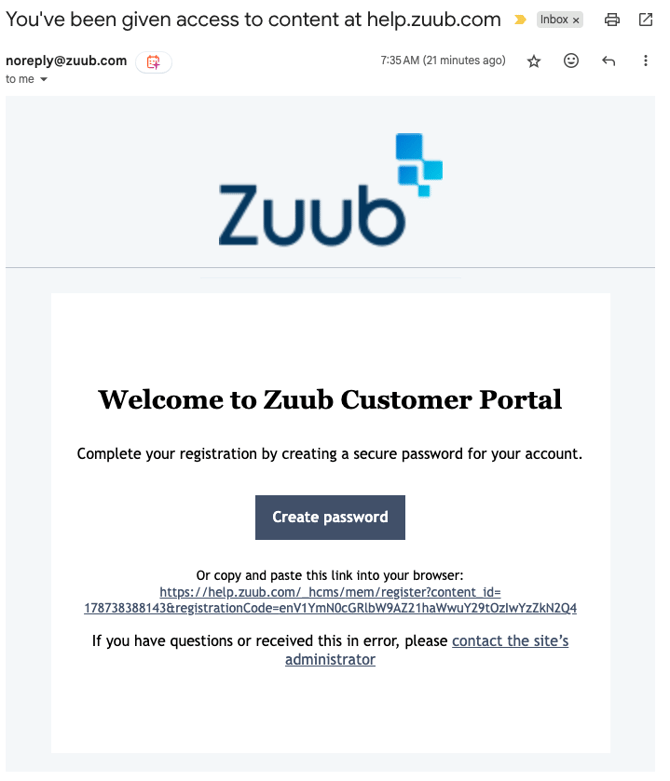
- Find the no-reply email in your inbox.

- Open up the email. It will provide you with a link to create your password.
- Once you click on the link you will be presented with the following page.
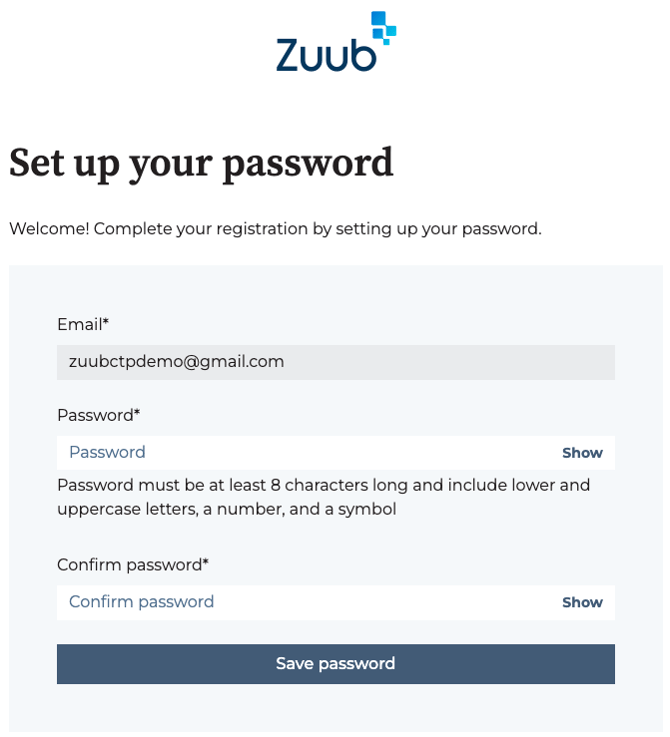
- Input your password and select Save password.
Please note: Your password must be at least 8 characters long and include lower and uppercase letters, a number, and a symbol. - Once done, it will redirect you to the Customer Ticket Portal home page.
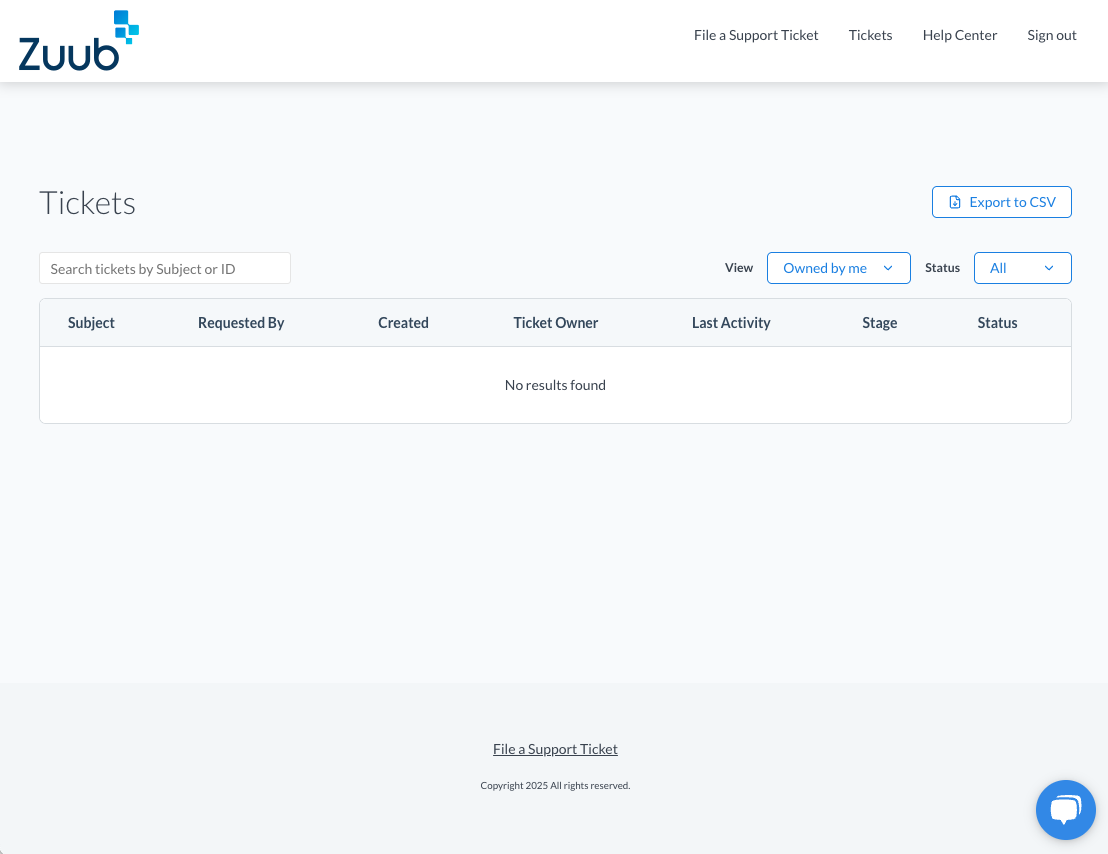
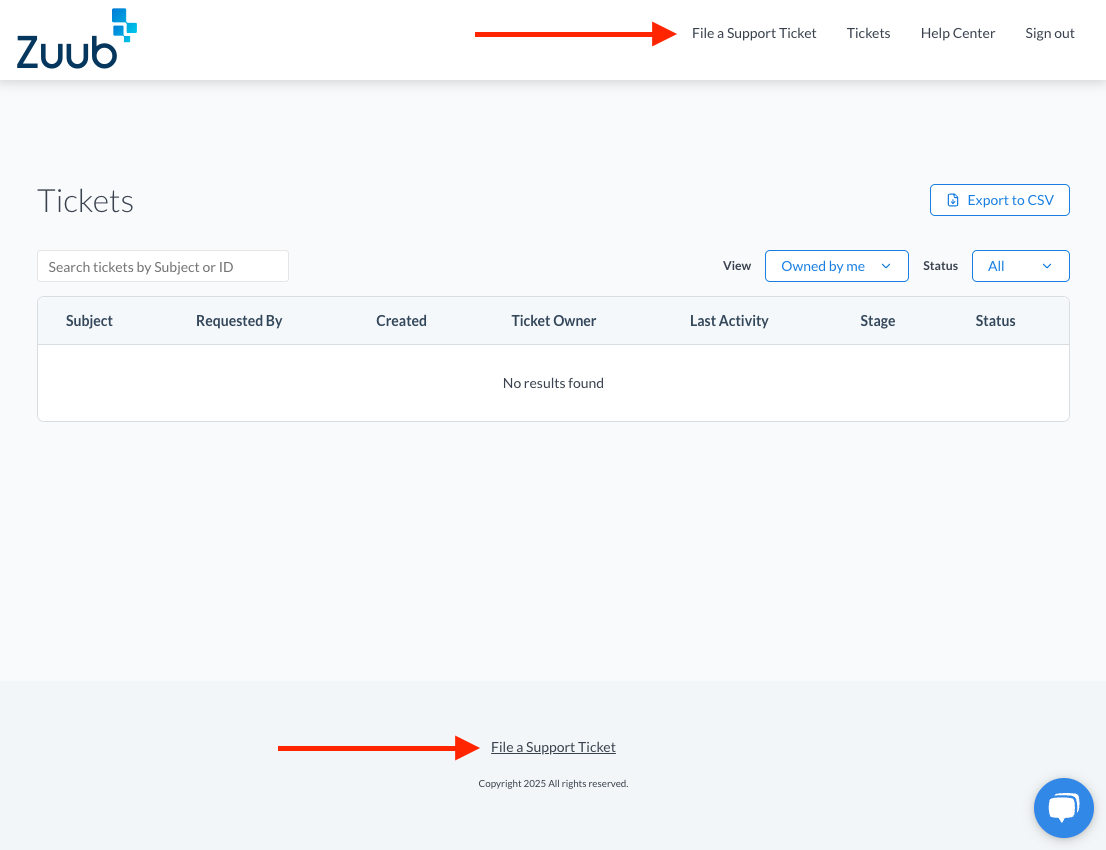
- On the home page, you will be able to submit a ticket through either of the two links indicated below.